
Outcome
Outcome reframe
Reframe the goal from finishing to starting.
Next move
Name the ten-minute route immediately after the reframe.
Emotion · reliefPacing · mediumContrarian reframe
Turn an analyzed reference into an original Reel script for your product and voice.
The sample opens with a small, familiar frustration, explains a practical routine and closes with an action. Keep that creative logic while giving the new draft its own product and words.
SampleRewrite scriptDesk Lamp
Document exportsWhen I do not want to begin, I make one small place ready.
The desk lamp lights the page I am working on. The rest of the desk can wait until this one task is finished.
Start with the corner where you want to sit down tomorrow.
Read the source transcript and structure first. Choose the hook, angle, format or structure you want the draft to keep.
Add your product, audience and voice, or use a saved creator profile. These facts guide the new script.
AnyScript keeps drafts and revisions in your workspace. Refine a version instead of starting again with every change.
Read the original Reel and its structure. This is the reference analysis that comes before the rewrite action.
 00:40
00:40Sample
A timer that makes starting smaller
Transcription
TranslateWhen I do not want to start, I stop asking myself to finish.
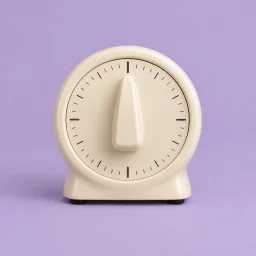
I put this small timer on the desk and choose ten minutes.
For those ten minutes there is only one thing in front of me.
The unfinished list goes in the drawer where I cannot keep rereading it.
When the timer ends, I can stop, or I can choose another small block.
The useful part is having an end I can actually see.
I do not use it to work faster. I use it to make beginning feel smaller.
Try it with the task you have moved to tomorrow three times.
Outcome
Reframe the goal from finishing to starting.
Next move
Name the ten-minute route immediately after the reframe.
Steps
Show the timer and one-task focus rule.
Next move
Show the timer and chosen task on screen.
Steps
Remove the unfinished list from view.
Next move
Show where the list is placed out of sight.
Pitfall
Prevent overrun by making stopping a valid outcome.
Next move
Say the stop option before the next-block option.
Result
Connect the visible end to a smaller beginning.
Next move
Pair the claim with the timer moment.
Next step
Prompt viewers to apply it to one avoided task.
Next move
Make the task prompt more specific to the viewer.
relief
Outcome
Outcome reframe
0:00–0:05 · Outcome
Short declarative lines with one clear action per beat.
01OutcomeOutcome reframe
When I do not want to start, I stop asking myself to finish.
02StepsSingle-task setup
I put this small timer on the desk and choose ten minutes.
For those ten minutes there is only one thing in front of me.
03StepsDistraction removal
The unfinished list goes in the drawer where I cannot keep rereading it.
04PitfallOverrun guard
When the timer ends, I can stop, or I can choose another small block.
05ResultVisible endpoint
The useful part is having an end I can actually see.
I do not use it to work faster. I use it to make beginning feel smaller.
06Next stepTask application
Try it with the task you have moved to tomorrow three times.
Use the share menu to copy the Instagram Reel link. Paste a video reference, rather than a topic-only writing prompt.
Analyze the source and inspect its opening, structure and evidence. Decide which hook, angle, format or beat structure suits your new message.
Add the product, audience, platform and length. Generate an original rewrite, then refine and save versions in the creator workspace.
AnyScript creates an original script by first analyzing a reference Reel. The source supplies a hook mechanism, angle, format or structure to learn from; your product, audience and voice supply the new story. The transcript and full analysis come before the paid rewrite action.
This differs from extracting the words of the original Reel, and from writing a script from a topic alone. Start with a public reference link, check its evidence, then use AnyScript to generate and revise a new draft. A generated script does not create or publish a video.
They begin with different inputs. Here the source gives you a structure you can inspect before you choose what to keep.
Reference-led generation begins with a deliberate choice about what to reuse. The words and product context belong to the new draft.
Keep a hook mechanism, angle, format or structure while supplying your own product and audience. AnyScript generates a new script rather than simply replacing the brand name in the source.
Original
DraftDesk Lamp
Keep your product, audience, voice, default platform and required points in a creator profile. Reuse those facts when you move from one reference to another.
Desk Lamp
Creator profile
Concrete version
Pain callout
Give a Research set your product context. AnyScript returns three original directions with an angle, hook, structure, proof plan and CTA, then expands one into a draft with visual notes.
Skincare competitors: 12 ads
Not “copy this script.” Instead: “use this creative logic for my product.”
Read the exact source lines and their timing. Check what the opening promises, how the body pays it off and where the Reel asks for action.
Read timestamped speech before making creative judgments. Available captions are used first, with audio transcription when usable captions are unavailable.
Click a citation to locate the source wording and its timestamp. Frames can add visual context when available; the sample keeps its claims grounded in the transcript.
Analysis
Transcription
The structure view groups spoken lines into beats and explains what each beat does. Use those ranges to decide what is worth carrying into a different product story.
Ask why the opening introduces a smaller commitment or how the close relates to the opening. Single-video AI Chat cites transcript evidence
What makes the opening useful as a reference?
It turns a broad feeling, not wanting to start, into one concrete change: choosing a short time block. A new script can borrow that transition without copying the timer story.00:00
Ask about content, strategy, or generate a usable script…Find analyzed Reels through their spoken words, keep useful results in folders and export material to the places where you plan content.
Copy transcripts or export TXT, Markdown, SRT, VTT, DOCX, PDF and CSV. Send results to Google Sheets, Notion or Obsidian, with transcript timestamps preserved.
A timer that makes starting smaller
Transcription
00:00When I do not want to start, I stop asking myself to finish.00:05I put this small timer on the desk and choose ten minutes.Analysis
Hook archetypeContrarianAngle categoryPain ReliefSearch your library across spoken text and analysis, then keep useful references in folders. You do not need to remember which caption or thumbnail caught your attention.
… not want to start, I stop asking …00:00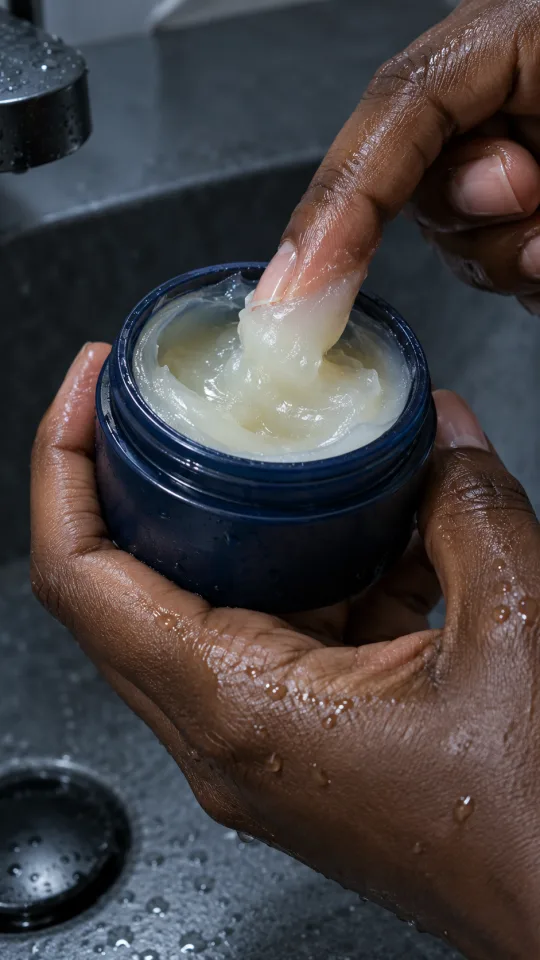 … skin hates everything, start here.00:24
 … cost nothing, so start there.00:32
Compare several videos before choosing a direction. Repeated approaches and counterexamples can make the next brief more specific.
Research aligns the same creative fields across a set of videos. Inspect patterns, their supporting clips and the exceptions, then use the blueprint to guide your next draft.
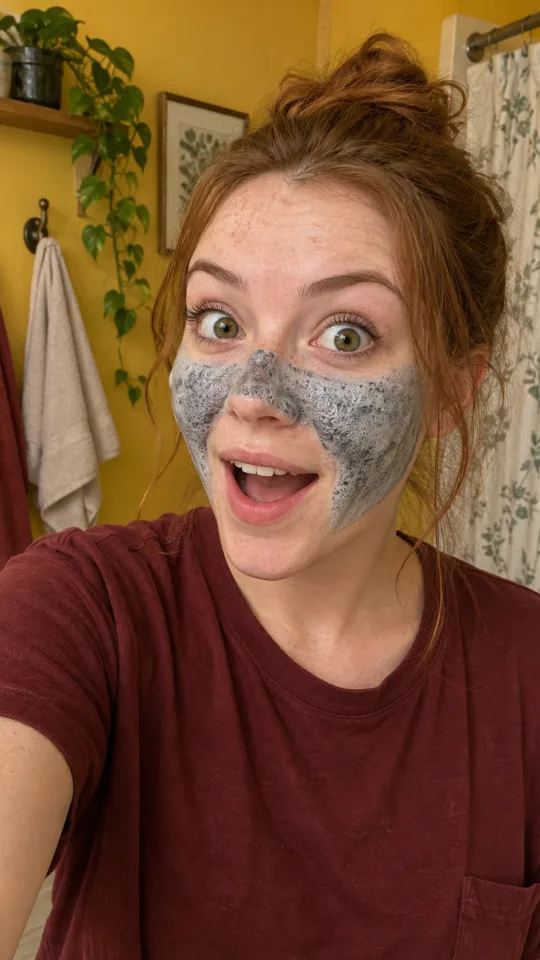
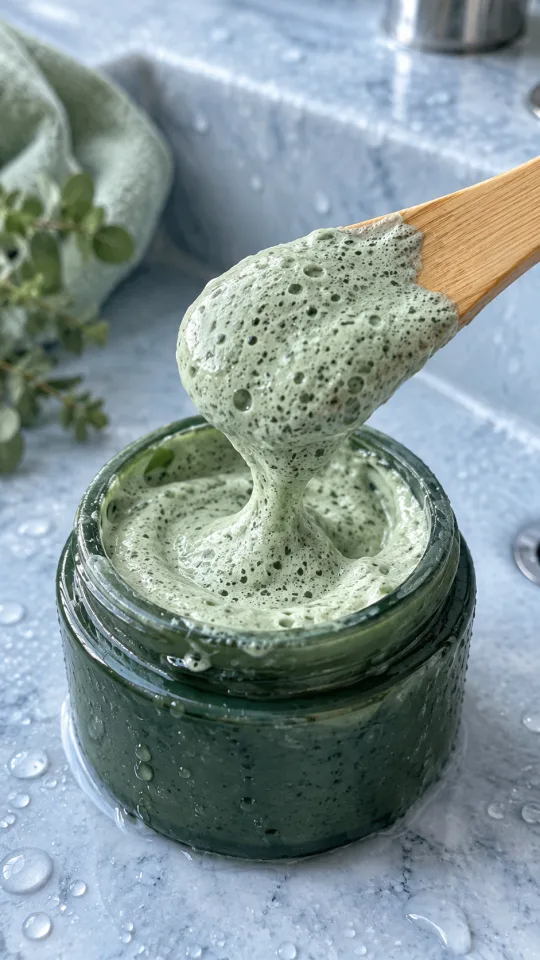






Curiosity gap5/12
AnyScript supports batches of up to 50 URLs and supported profile or collection imports. Bring several references into a Research set before settling on one creative approach.
Compare patterns, evidence and exceptions across videos
3Videos · 3 Brands
HookScorecard
What you get
Example
Before
With AnyScript
Free includes three complete analyses that never expire. Pro has no daily cap and unlocks batch and profile imports, full Research sets, drafts and professional exports.
Free never expires. Pro removes the daily cap; capacity safeguards still apply.
Answers for this tool
This workflow starts with a supported video URL. It is designed to turn an analyzed reference into an original draft, rather than act as a standalone topic-only writer.
The same transcript and breakdown, wherever the video was posted.
Analyze a public reference, inspect the choices behind it and use AnyScript to write an original script for your own context.
Transcribe, analyze, research and create